A CPC on a low-cost board
CPCESP turns an ESP32 board into an Amstrad CPC 464, 664 or 6128. It runs bare-metal, with no operating system underneath, and both of the ESP32's cores work for the emulation.
Hardware setup
An ESP32 board such as the LilyGO TTGO VGA32, a VGA monitor or a 15 kHz CRT, a PS/2 keyboard and a microSD card with your disks, tapes and snapshots.
The real thing
The CRTC, the Gate Array and the monitor are emulated closely enough for the demoscene's hardest productions to look as they do on a real CPC, at a true 50 Hz.
Accurate where it is hardest
Demos that change the CRTC's registers in the middle of a line, split the screen into raster bands, or count on the monitor's sync to bend the picture: CPCESP draws them as the CPC does. These pictures were drawn by CPCESP's own CRTC and Gate Array code.
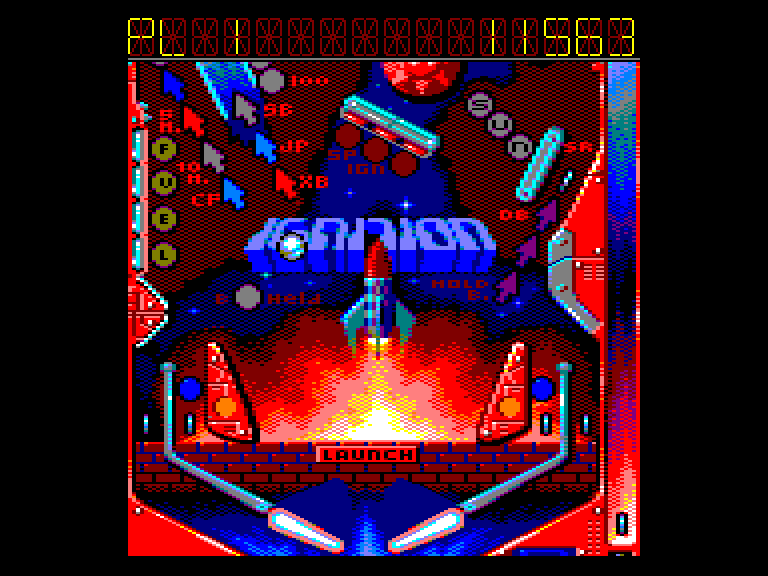
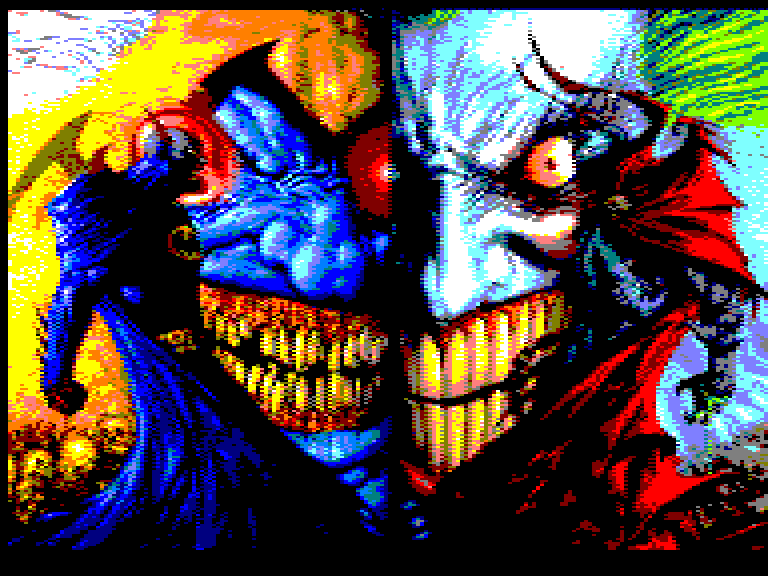
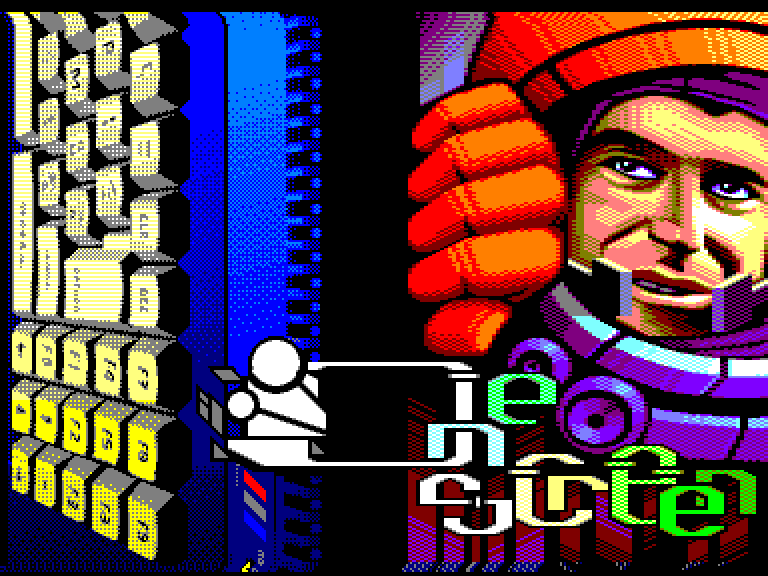
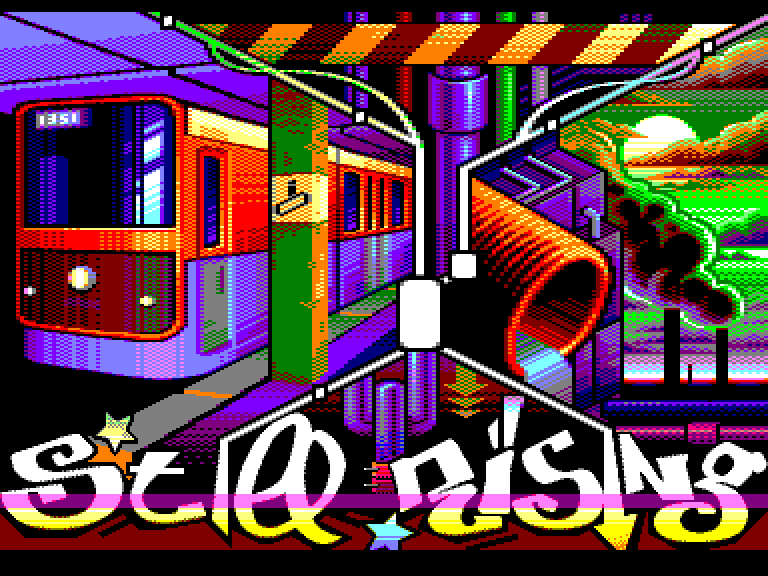
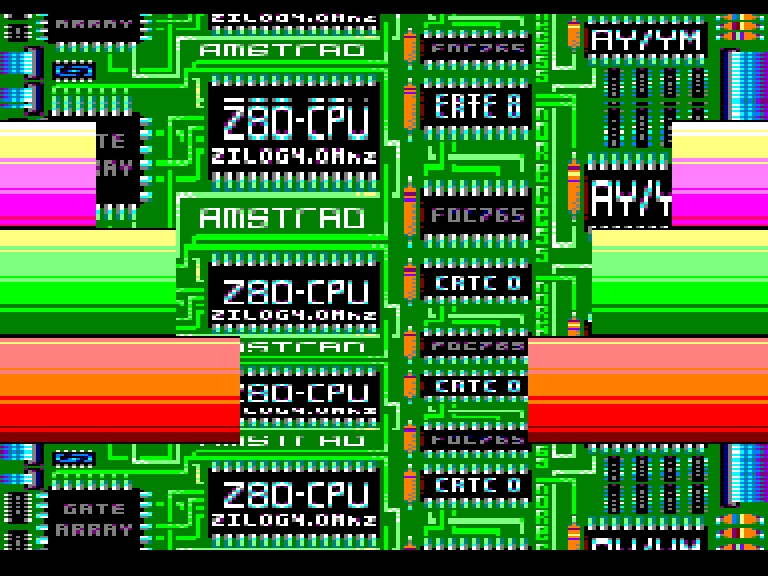
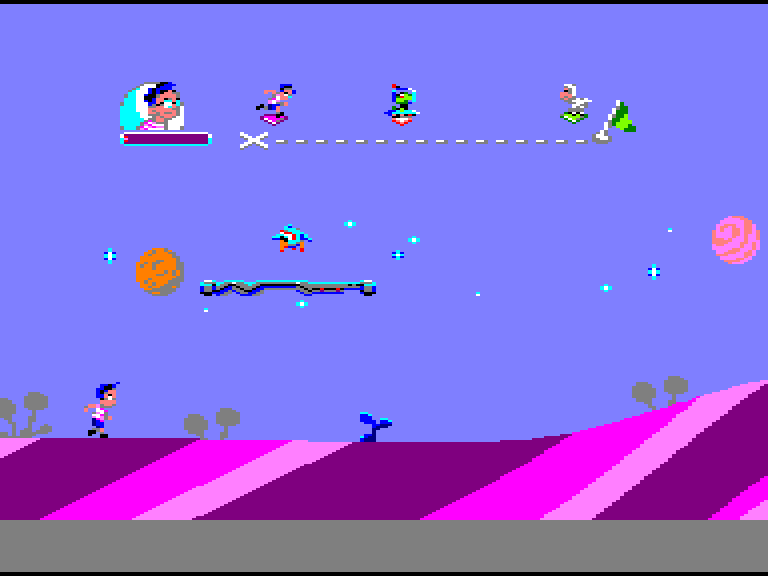
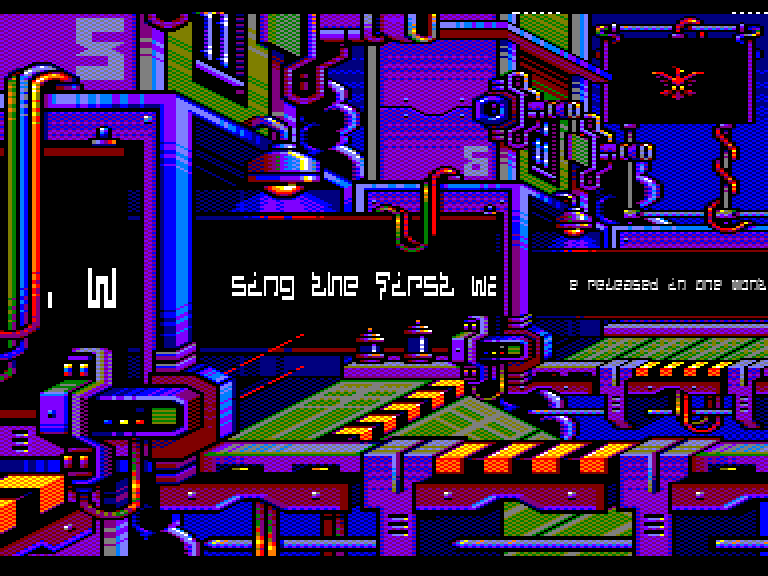
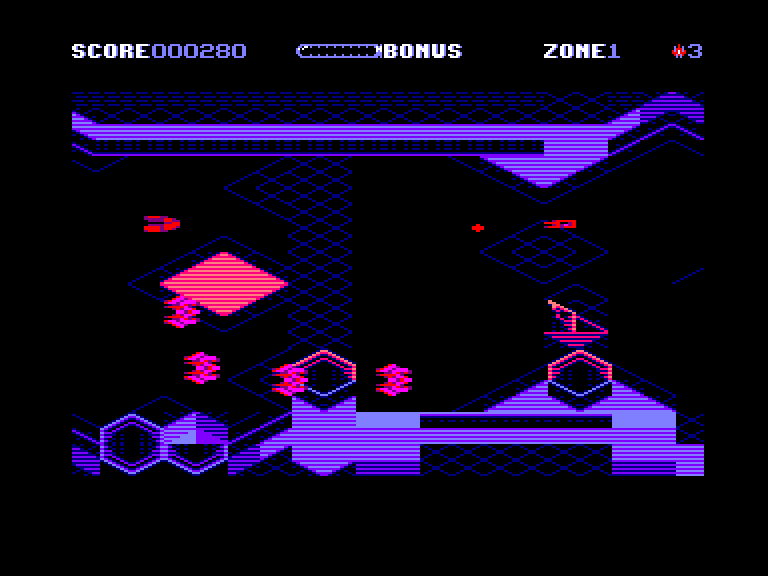
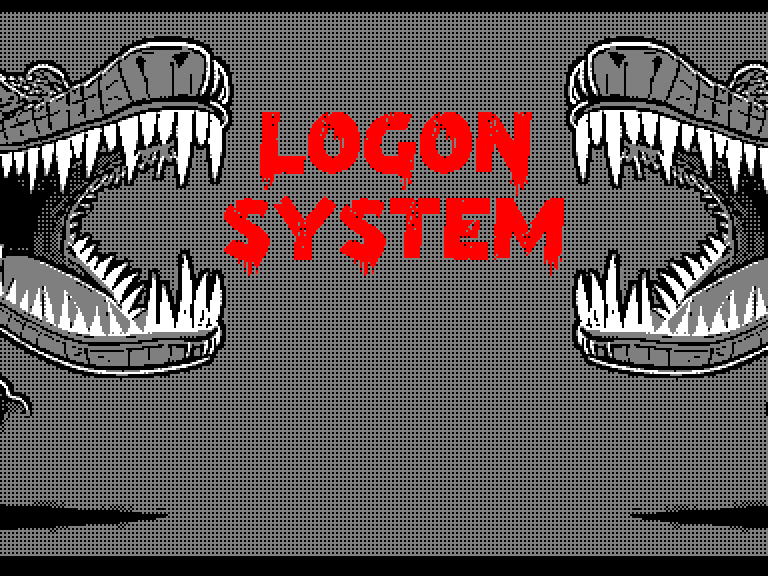
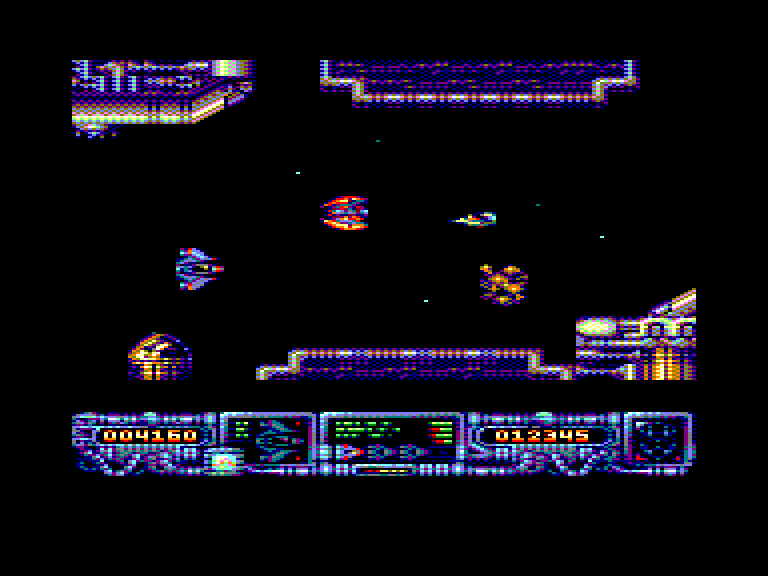
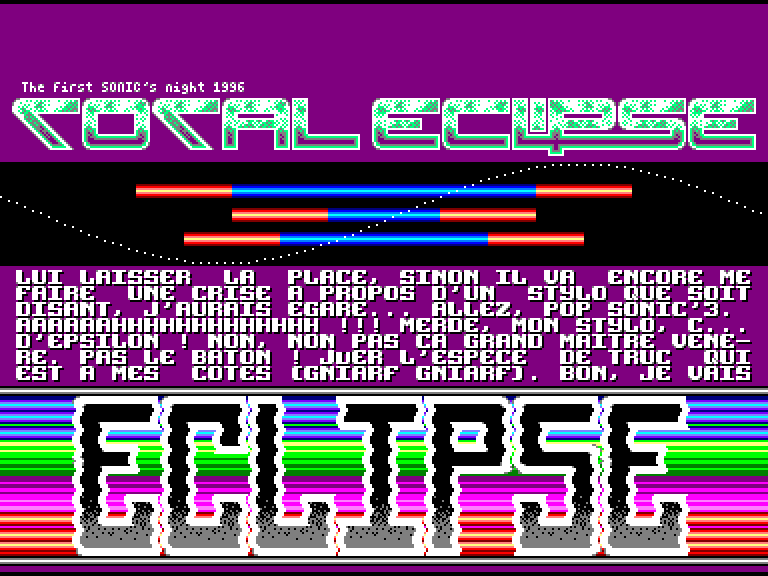
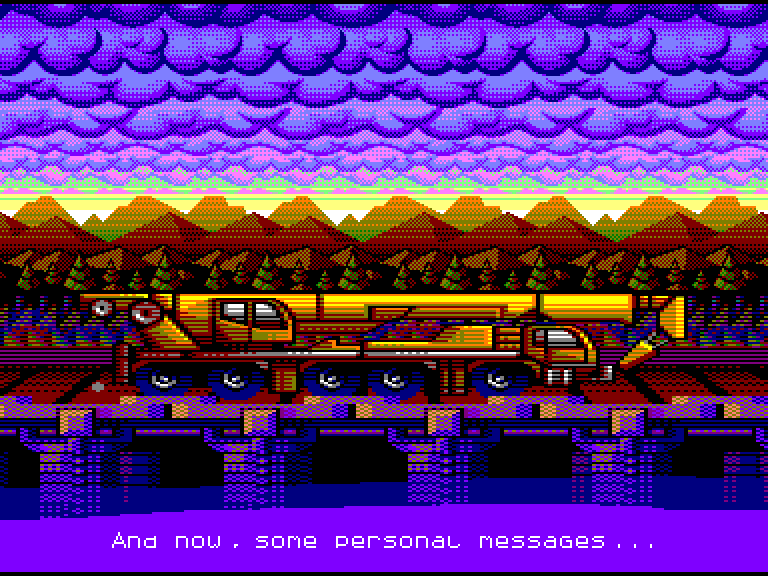
Click a picture to see it at full size.
Features
Three machines
CPC 464, 664 and 6128, with their ROMs in English, Spanish or French, and AMSDOS or ParaDOS as the disc ROM.
CRTC and monitor
CRTC types 0 (HD6845S) and 1 (UM6845R), and a model of the monitor's sync, so the effects that rely on it look as on a CTM.
Disks
Two drives, DSK and EDSK, with what the CPC writes saved to the microSD. 3" disks of two faces turned over, blank disks, write protection.
Tapes
CDT and CSW, with fast loading that keeps the exact timing, a browser of the tape's blocks, and a real cassette through the audio input.
Sound
The AY-3-8912, in stereo (ABC or ACB) on the boards that have it.
Memory and snapshots
Dk'tronics RAM expansions of 128, 320 and 576 KB, on the 464 and 664 too, and SNA snapshots of up to 576 KB.
Keyboard, joysticks and mice
PS/2 keyboard, the ZX keyboard of the ESPectrum boards, DB9 joysticks with their buttons mapped as you like, and AMX and SYMBiFACE II mice from a PS/2 mouse.
Video
VGA at 50 or 60 Hz (384×288, 400×300, 720×288) and 15 kHz CRT (384×288, 768×288), with composite sync for VGA-SCART cables, and scanlines.
Interface
Menus in English, Spanish and French, and two file browsers that remember where you were, search as you type and open ZIP files.
Compatible boards
CPCESP detects the board on its first boot. Connect a VGA monitor or a 15 kHz CRT, a PS/2 keyboard and a microSD card.
LilyGO TTGO VGA32
The most common board: VGA, PS/2, microSD and PSRAM.
Olimex ESP32-SBC-FabGL
Two PS/2 ports, VGA and microSD.
ESPectrum
Its ZX Spectrum membrane keyboard works as the CPC's.
ESPectrum+
Stereo sound, the ZX keyboard and a hardware button.
RobGo-RG Mono / Stereo
Mono and stereo versions, with a hardware button.
Keys
CTRL+F1 shows them on the emulator too.
| F1 | Main menu |
| SHIFT+F1 | Hardware info |
| CTRL+F1 | Help |
| F2 / F3 | File browsers |
| SHIFT+F2 | Audio in on / off |
| CTRL+F2 | Turbo |
| F4 | Active drive: A / B |
| SHIFT+F4 | Eject the active drive's disk |
| CTRL+F4 | Turn that disk over |
| F5 | Tape: Play / Stop |
| SHIFT+F5 | Eject the tape |
| CTRL+F5 | Tape blocks |
| F6 | Snapshot browser |
| F7 | Quick snapshot |
| SHIFT+F7 / F8 | CRT centre: horizontal |
| CTRL+F7 / F8 | CRT centre: vertical |
| F8 | OSD: CPU and tape |
| F9 / F10 | Volume - / + |
| F11 / F12 | Reset / ESP32 reset |
| Pause | Pause |
| PrtScr | BMP capture |
| ScrLock | Cursor keys as joystick |
Release: 7 November 2026
CPCESP 1.0 comes out on Saturday 7 November 2026 at 18:00 CET (UTC+1), in a special live stream on the RETROESPMachine YouTube channel. The web installer and the download will be here from then on.
In your time zone:
We are live!
Watch the live stream on YouTubeSupport CPCESP
CPCESP is free, and it lives and grows thanks to people like you. If you enjoy it, you can support it on Patreon or with a one-off donation on Ko-fi.